
Equipment identity
Record intended use, programme, site and evidence requirements.
Equipment assurance and connected evidence
Connect equipment, service and calibration evidence. Review intended-use fitness, reference chains and competent return to service.

Equipment assurance and connected evidence
Connect equipment, activity records, reference chains and responsible clearance.
Record intended use, programme, site and evidence requirements.
Keep service, calibration and verification separate.
Assess measurement evidence and reference chains.
Retain the competent decision and return-to-service trail.
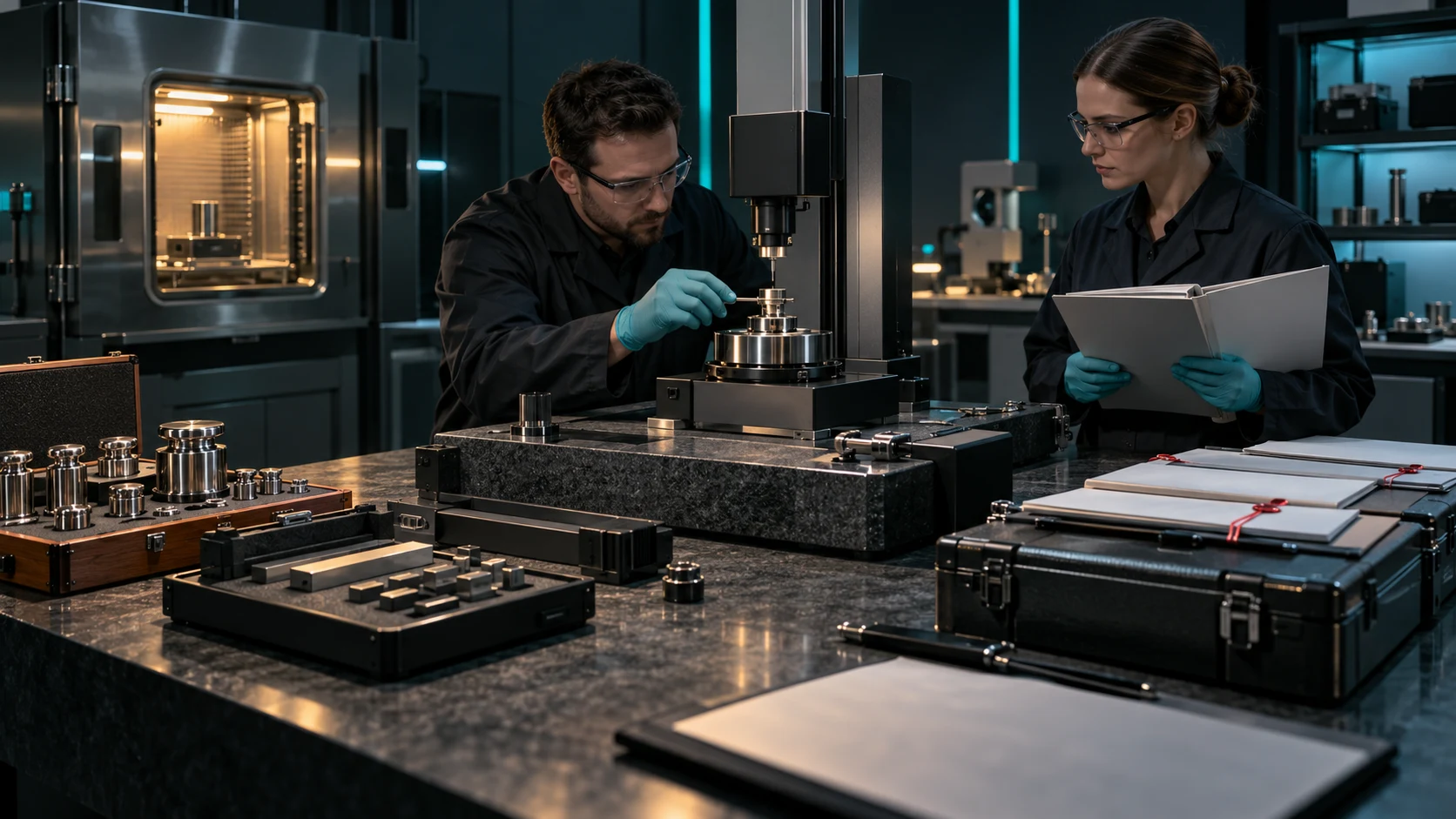
Prepare the evidence review
The illustration represents equipment evidence review, not an application screenshot or your infrastructure.
Record equipment, intended use, programme, site and due state.
Review activity evidence, certificates and reference-standard chains.
From due state to return to service
Keep each step connected to its evidence and responsible decision.
Set identity, intended use, programme and site.
Record service, calibration or verification evidence.
Assess certificates, measurement evidence and out-of-tolerance impact.
Keep the supporting evidence and status change together.
Your equipment assurance workspace
Keep equipment, technical evidence and clearance decisions together.
Keep equipment identity, site, intended use, programme and due state together.
Record service, calibration and verification separately with the evidence each activity needs.
Retain readings, uncertainty and decision-rule context for technical review.
Review certificate evidence and make reference-standard chain gaps visible.
Connect affected use, containment, impact decisions and corrective action.
Record the responsible clearance decision, supporting evidence and status change.
Keep activity records, evidence, changes and decisions connected.
Use the same capability model with the published capacity for the chosen company tier.
Separate activities with distinct evidence
Use the evidence required for the activity and intended use.
Record the work and its relevant supporting details.
Retain readings and measurement context.
Record the evidence for the selected requirements.
Keep gaps and supporting standards visible.
A continuing equipment record
Continue from the activity, changes and decisions already recorded.
Keep the equipment programme and current due state visible.
Retain as-found, as-left and decision-rule evidence.
Connect affected use, containment and corrective action.
Record the competent decision before return to service.
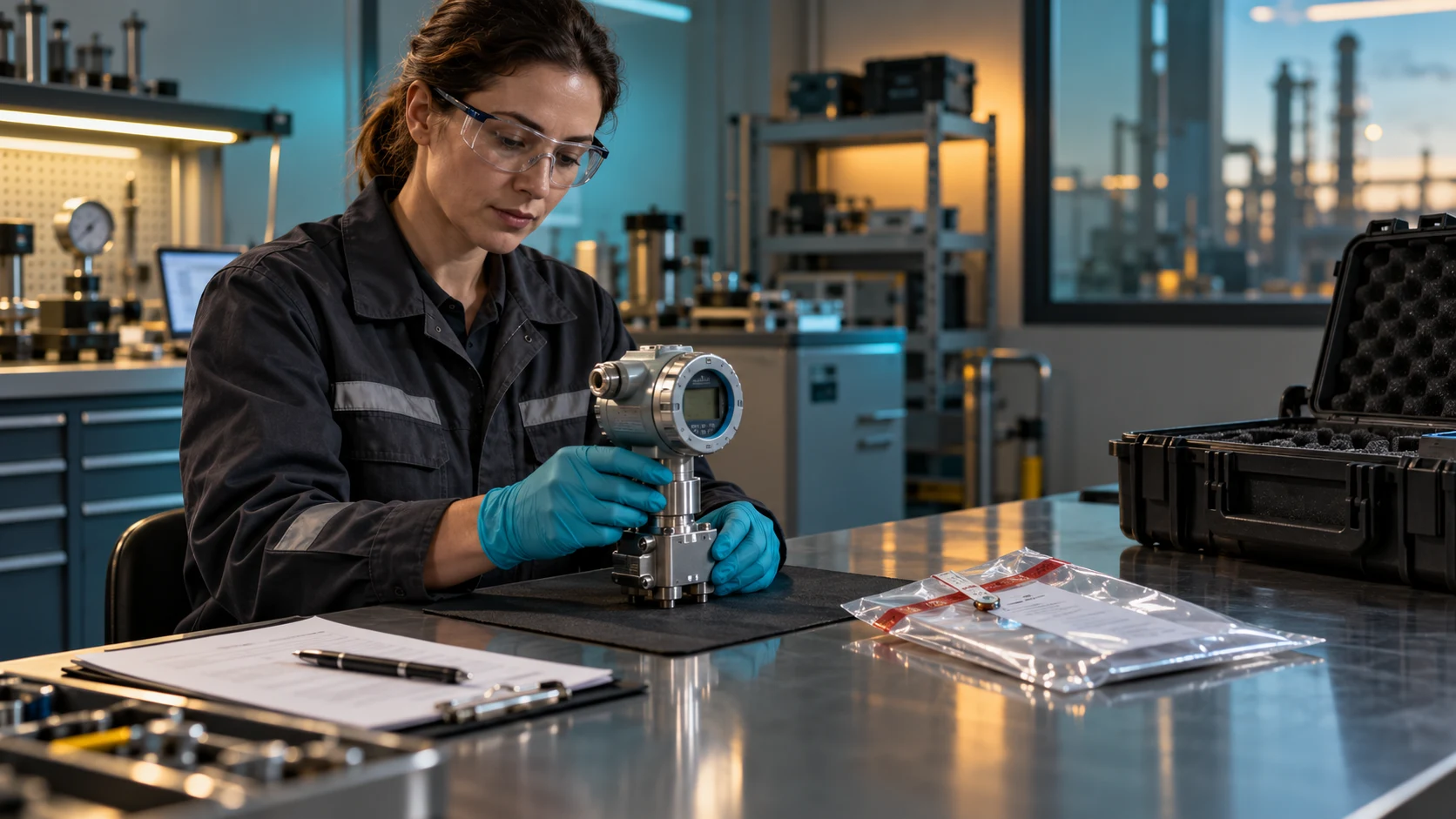
Activity evidence, connected history
Keep service, calibration and verification evidence distinct.
Review readings, certificates and reference-chain gaps.
Record competent clearance and the return-to-service trail.
Evidence supports competent decisions
Keep technical scope, reference-chain gaps and responsibility clear.
A status badge alone does not establish fitness for use.
Review missing or incomplete standard evidence.
The competent person assesses evidence and clearance.
This organises equipment assurance; it is not a laboratory or accreditation body.
Plans and company access
Choose the capacity and access that fit your organisation.
Equipment Service & Calibration Manager uses company access with four capacity tiers.
The approved company model includes unlimited authorised company users.
Review current company plans, prices and capacity in your VISINVOKE account before choosing access.
Other VISINVOKE products have their own access arrangements. Create a free account and choose the company plan you need.
VISINVOKE means value
A focused workspace for equipment evidence, intended-use fitness and responsible clearance.

Keep identity, intended use, programme and site clear.
Review activity evidence, reference chains and impact.
Continue from recorded decisions and changes.
Assess the equipment evidence for its intended use.
Build your VISINVOKE workspace
Each card opens its own product website. Review purpose and access separately; related products do not promise included access or automatic synchronisation.

Open your VISINVOKE products from one desktop workspace.

Explore a separate workspace for service and project records.

Explore separate local backup preparation.

Review separate managed computer protection.

Explore separate device protection and response.

Convert files with a separate local utility.
Product artwork is illustrative, not application screenshots or your infrastructure.
Quick answers
Understand distinct activities, technical evidence, clearance and company capacity.
Organise equipment status, service, calibration and verification evidence, certificate review, intended-use fitness and out-of-tolerance impact. Keep the equipment record, activity evidence, reference chain, impact assessment and clearance decision connected.
No. Each activity has its own structured evidence. Keep service, calibration and verification distinct, then review the equipment for its intended use rather than relying on one pass or fail label.
Retain as-found and as-left readings, uncertainty and decision-rule context. Review technical certificates and identify missing or incomplete reference-standard chains, keeping the supporting evidence available for competent review.
Record affected use, containment, impact decisions and corrective action when equipment is found out of tolerance. Keep the technical evidence and competent clearance decision connected to the recorded return-to-service status.
No. The record supports responsible decisions about evidence and fitness for intended use. It is not a calibration laboratory, accreditation body, regulator or universal maintenance system, and does not replace competent technical judgement.
Create a free VISINVOKE account and review current company plans, pricing and capacity. INVOKE, FORGE, NEXUS and APEX use the same capability model with different published limits for equipment and completed activities. The approved company model includes unlimited authorised users. Use Desktop Command Centre on Windows for your VISINVOKE workspace. Other products have separate access arrangements.
Continue in VISINVOKE
Create a free VISINVOKE account and review company plans.
Get Desktop Command Centre from your account installer page. Sign in on Windows and open Equipment Service & Calibration Manager.